
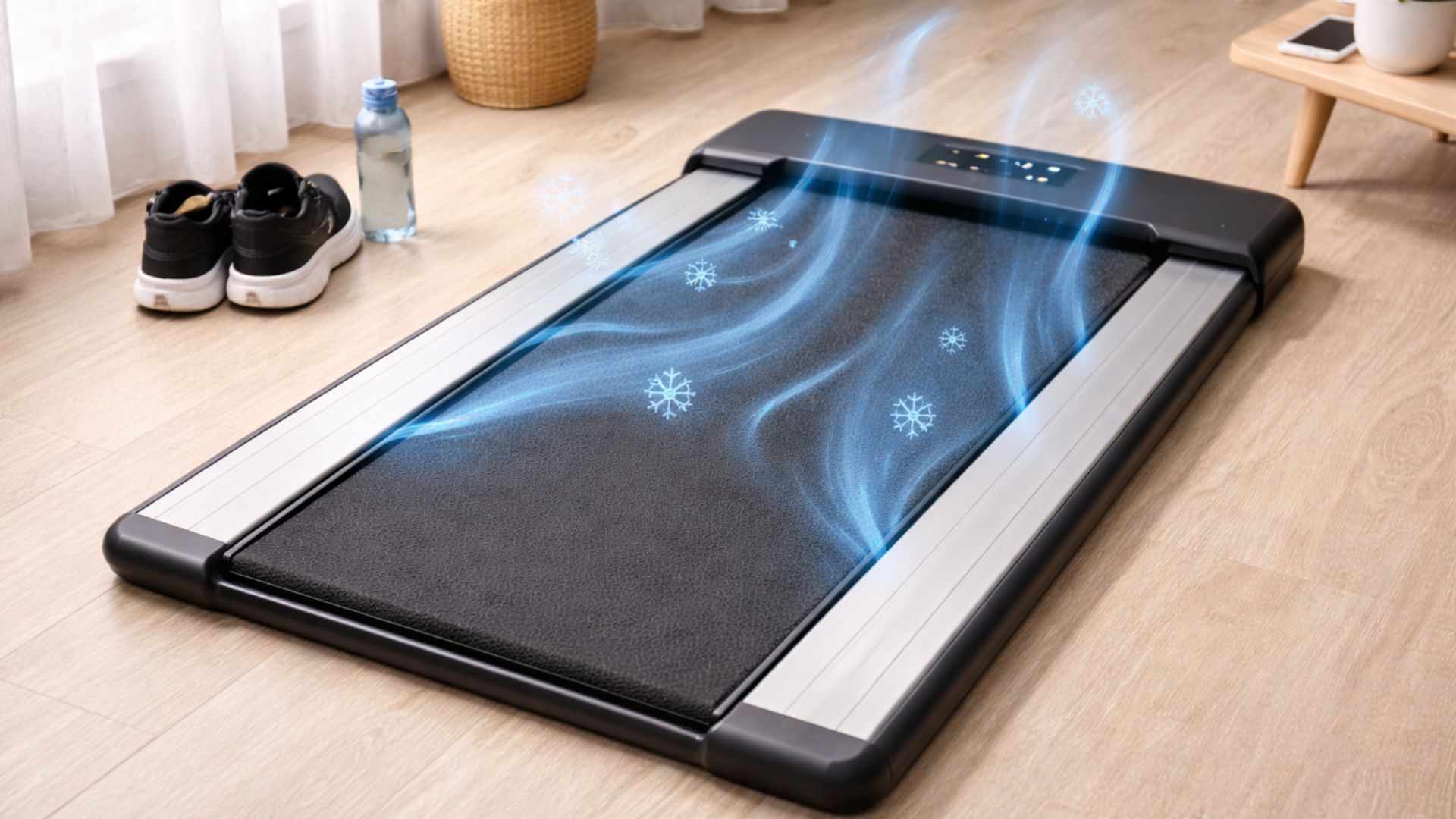
If you’ve noticed your machine slowing down, smelling like ozone, or feeling hot underfoot, you need to know how to stop your walking pad from overheating before you fry the motor. For users in the 300lb+ range, the motor works significantly harder to overcome friction. Without the right maintenance strategy, a standard walking pad can burn out in as little as three months.
This guide covers the “heavy-duty” reality of treadmill care that most manuals leave out.
Why Walking Pads Overheat Under Heavy Loads
Before we fix it, you have to understand the “Friction Gap.” When a 300lb+ person steps on a walking pad, the belt is pressed harder against the deck. This creates friction, which creates heat. If the heat can’t escape, the motor controller board will pop a fuse or melt.
The 3 Main Culprits of Motor Strain:
Lack of Lubrication: The #1 cause of “Motor Drag.”
Dust Accumulation: Acts like an insulator, trapping heat inside the motor cover.
Static Buildup: Common on carpets, which can fry the delicate electronics.
5 Pro Tips: How to Stop Your Walking Pad from Overheating
1. The "Side-Rail Start" Technique
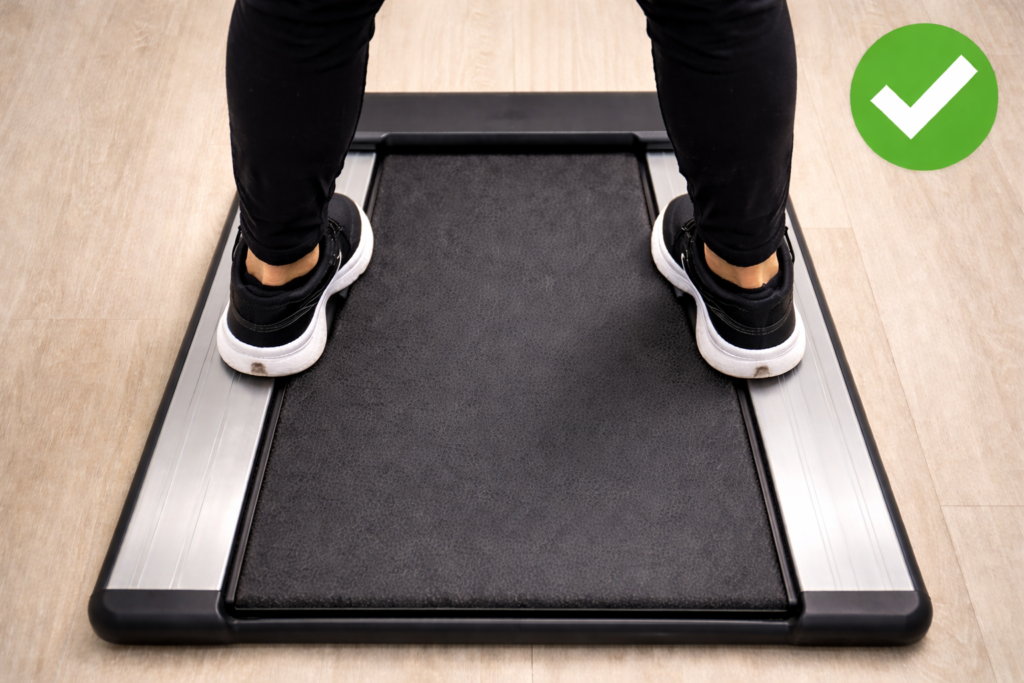
Most people stand directly on the belt and hit “Start.” For a 300lb+ user, this requires the motor to move massive “dead weight” from a standstill. This causes a massive amperage spike.
The Fix: Stand on the plastic side rails first. Start the belt at 0.5 mph. Once it’s moving, then step onto the belt. This saves your motor from 90% of its initial stress.
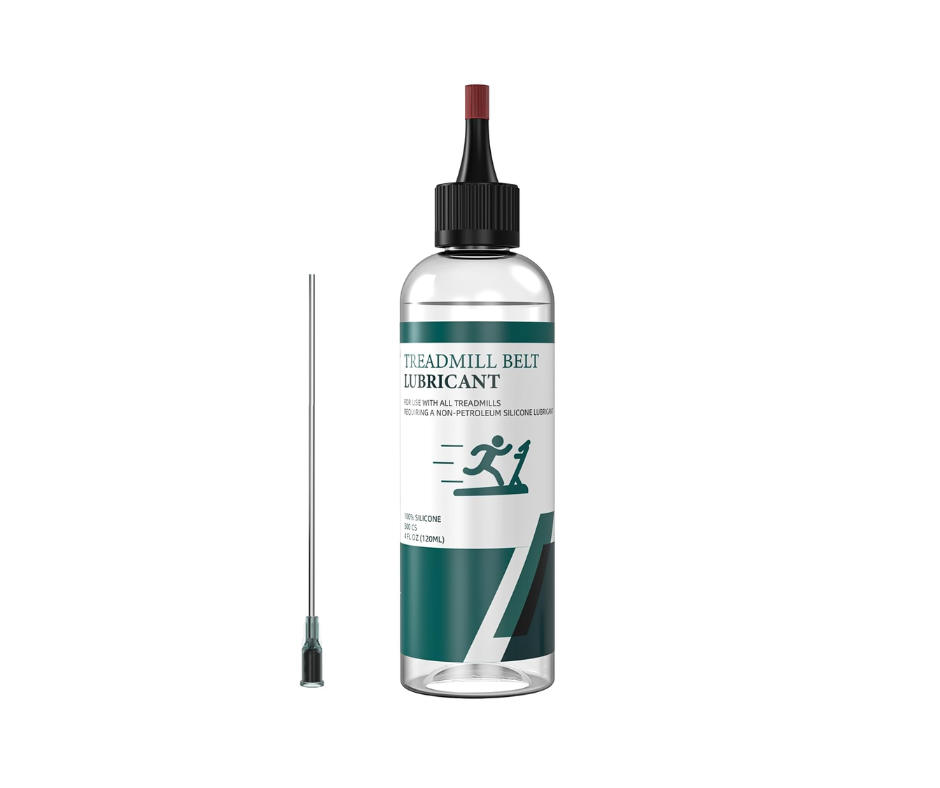
2. Follow a "High-Load" Lubrication Schedule
The manual might say “lubricate every 3 months,” but that’s for a 150lb user. If you are 300lbs+, you need a more aggressive schedule.
| User Weight | User Frequency | Lubrication Interval |
| 300 lbs | 30 mins/day | Every 2-3 Weeks |
| 350 lbs | 45 mins/day | Every 2 Weeks |
| 400 lbs+ | Daily | Every 10-14 Days |
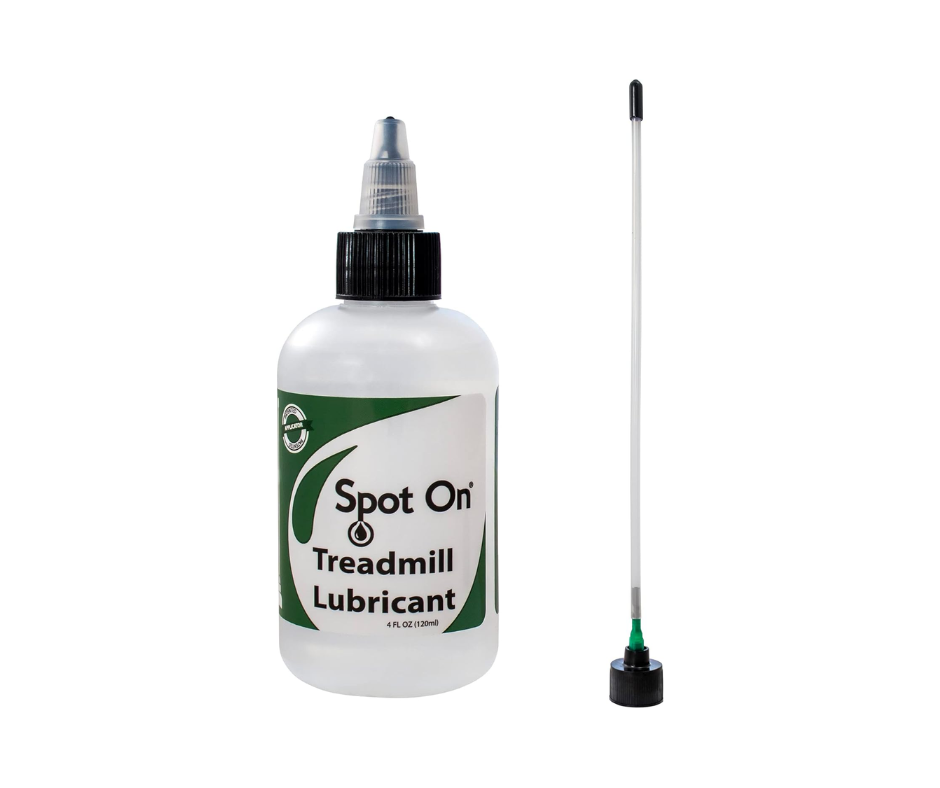
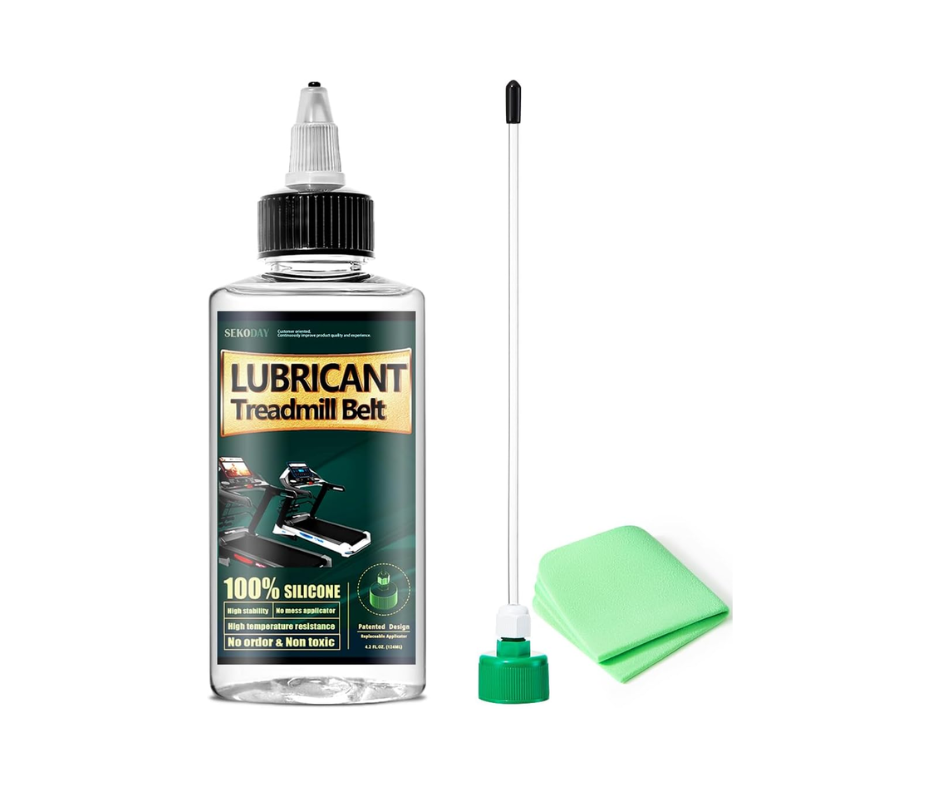
Here’s a few recommended lubricants, check them on Amazon.
3. Use a Dedicated Circuit & Surge Protector
Walking pads are sensitive. If you’re running a space heater or a high-end PC on the same outlet, the voltage drop can cause the motor to “chatter” and overheat. Always use a dedicated wall outlet.
Advanced Maintenance for 300lb+ User Performance
Vacuum the "Vitals" Monthly
Dust is a silent killer. Every 30 days, unplug your machine and remove the motor cover (usually just a few screws). Use a can of compressed air or a vacuum to remove hair and dust from the motor and the controller board.
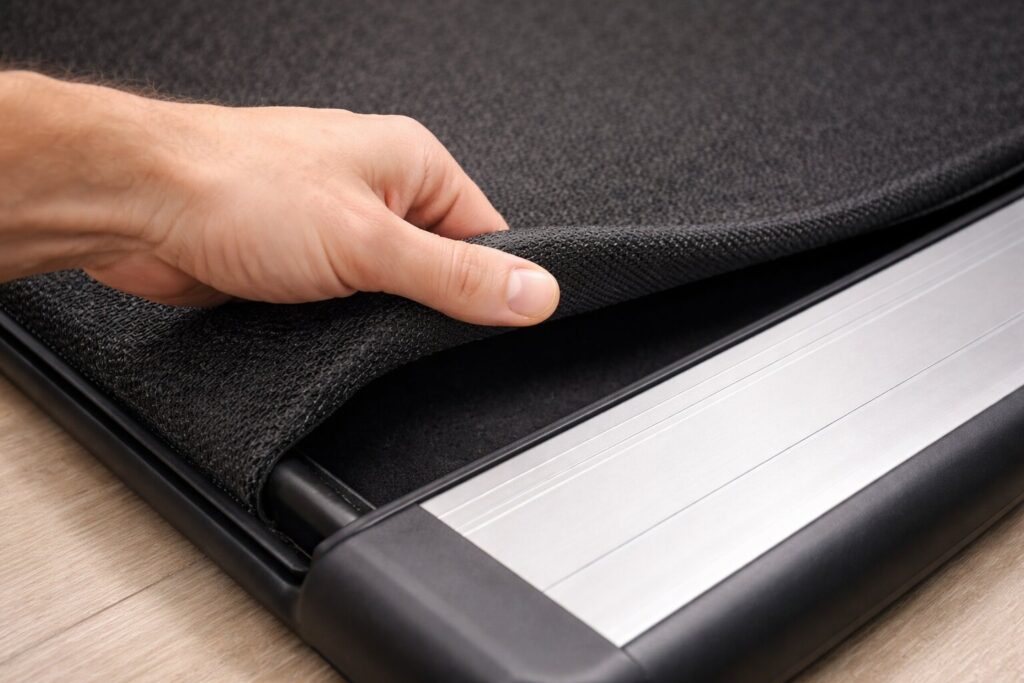
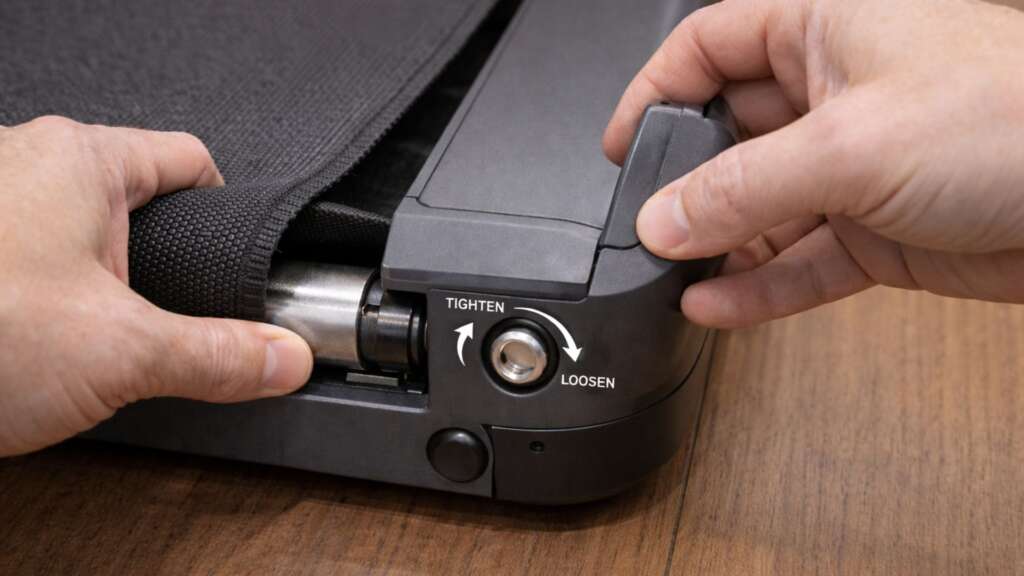
Check the Belt Tension
A belt that is too tight puts immense pressure on the rollers and motor. A belt that is too loose slips, causing the motor to rev inconsistently.
The Test: You should be able to lift the edge of the belt 2–3 inches off the deck in the center.
When to Admit Your Walking Pad is Underpowered
Sometimes, you can’t stop the overheating because the hardware simply isn’t built for the job. Most budget walking pads use a 1.5 HP (Horsepower) motor. The good news is that 2.5 HP motors are now available under $300. Our best walking pad under $300 guide lists several models with 2.5 HP motors that won’t break the bank.
For a 300lb+ user, you ideally need a 2.5 HP to 3.0 HP Continuous Duty motor.
If your machine:
Smells like burning plastic even after lubrication.
Suddenly cuts power mid-walk.
Feels jerky or hesitant at low speeds.
then the motor is likely already damaged. In this case, it’s safer (and cheaper in the long run) to invest in a machine built for your frame. Check out our tested rankings of the 5 Best Walking Pads for Heavy People (300lb+ Capacity) to find a model that won’t quit on you.
Summary Checklist for a Cool Motor
Lubricate every 15-20 days.
Step on only after the belt is moving.
Keep it off the carpet (use a hard equipment mat).
Limit sessions to 45 minutes, then give the motor 20 minutes to cool.
Join the discussion in r/WalkingPadTalk
Pingback: 5 Best Walking Pads for Heavy People (300lb+ Capacity Tested) |
Pingback: Walking Pad Weight Limit Explained (Can It Handle 300 lbs?)
Pingback: Walking Pad vs Under Desk Elliptical: Which Wins? (2026)